Home videos, corporate training, medical footage—many videos contain sensitive content, and uploading them to cloud repair services poses privacy risks. According to a 2026 data security report, 43% of users abandon online video repair tools due to privacy concerns. This guide is compiled by the Linghu Video Quality Restorer technical team, reviewing 5 no-upload local processing solutions to help you repair videos safely.
1. Why You Need No-Upload Video Repair Tools
Cloud repair tools are convenient but carry three major privacy risks:
- Data retention risk: Some platforms cache videos on servers for 30-90 days, where they could be accessed by third parties.
- Transmission interception: Upload and download processes are vulnerable to man-in-the-middle attacks, especially on public WiFi.
- Compliance requirements: Regulations like GDPR and personal data protection laws restrict cross-border transfer of sensitive data.
Local processing tools keep videos entirely on the user's device, eliminating these risks at the source.
2. Five No-Upload Video Repair Tools Compared in 2026
The following compares 5 mainstream local processing solutions, covering both browser-based and desktop software:
| Tool | Runtime | Pricing | Install | Privacy |
|---|---|---|---|---|
| Linghu Video Restorer | Browser WebGPU | Free | No install | Very high |
| Topaz Video AI | Desktop app | Paid $299 | Required | High |
| AVCLabs | Desktop app | Trial free | Required | High |
| HandBrake | Desktop app | Free | Required | High |
| Video2X | Open source | Free | Required | High |
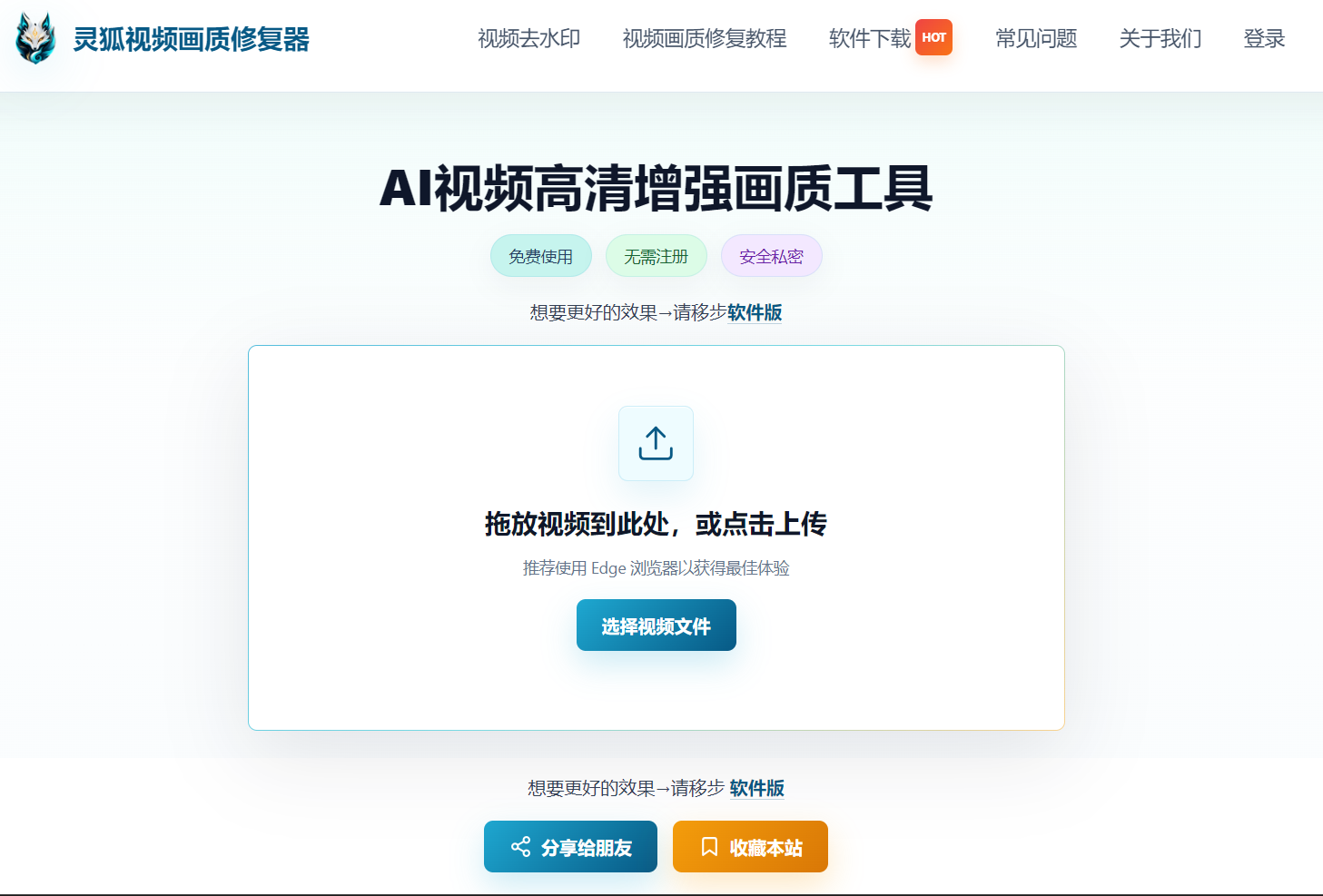
As shown, Linghu Video Quality Restorer is the only solution combining "completely free, no installation, and very high privacy" in a browser—ideal for everyday users handling private videos.
3. Core Advantages of Linghu Video Quality Restorer
- WebGPU Local Acceleration: Leverages GPU power via browser, 10x faster than CPU, with no software installation needed.
- Zero Video Upload: Processed entirely in the local browser, 100% privacy protection, videos never leave your device.
- AI Super-Resolution: Algorithms improve PSNR by 3-5dB, effectively restoring fine details and textures.
- No Signup, No Watermark: Open the page and start—restored videos have no watermarks and are ready to use.
4. How to Choose the Right Local Repair Tool
Selection recommendations:
- Home users: Choose Linghu Video Quality Restorer—no install, no signup, browser-ready.
- Professional creators: Consider Topaz Video AI—powerful but paid and requires installation.
- Tech enthusiasts: Video2X is free and open source with custom models, but has a higher setup barrier.
Pro Tip
When using Linghu, close other GPU-intensive programs for best acceleration. After processing sensitive videos, clear your browser cache to ensure no residual data remains.
Try Linghu Video Quality Restorer—local processing protects privacy, no signup, no watermark
Start Repairing Videos