AI video quality enhancement is now widely available, but most online tools require uploading videos to the cloud for processing, posing privacy risks to family videos and corporate footage. Local AI enhancement tools keep videos on your computer, ensuring data security at the source. This guide is compiled by the Linghu Video Quality Restorer technical team, analyzing the principles and advantages of local AI enhancement.
1. How Local AI Video Enhancement Works
Local AI enhancement relies on three core technologies that let browsers perform professional-grade quality improvement:
- WebGPU acceleration: By 2026, mainstream browsers fully support the WebGPU API, enabling direct GPU access for AI inference at 85% of native app performance.
- On-device AI models: Super-resolution models are quantized and compressed to just 50-200MB, running locally without cloud compute.
- Browser sandbox isolation: Video data is processed within the browser's secure sandbox, where page scripts cannot exfiltrate data, achieving physical-level isolation.
2. Local Processing vs Cloud Processing
The following compares local and cloud processing across 5 dimensions:
| Dimension | Local (Linghu) | Cloud |
|---|---|---|
| Privacy | Video stays on device | Upload to server required |
| Speed | GPU accelerated, no transfer wait | Limited by upload/download bandwidth |
| Cost | Completely free | Most charge per use |
| Watermark | None | Free tier usually has |
| Compliance | Meets GDPR and similar | Cross-border transfer risk |
Data shows local processing leads across privacy, speed, cost, and compliance, making it the preferred choice for sensitive videos.
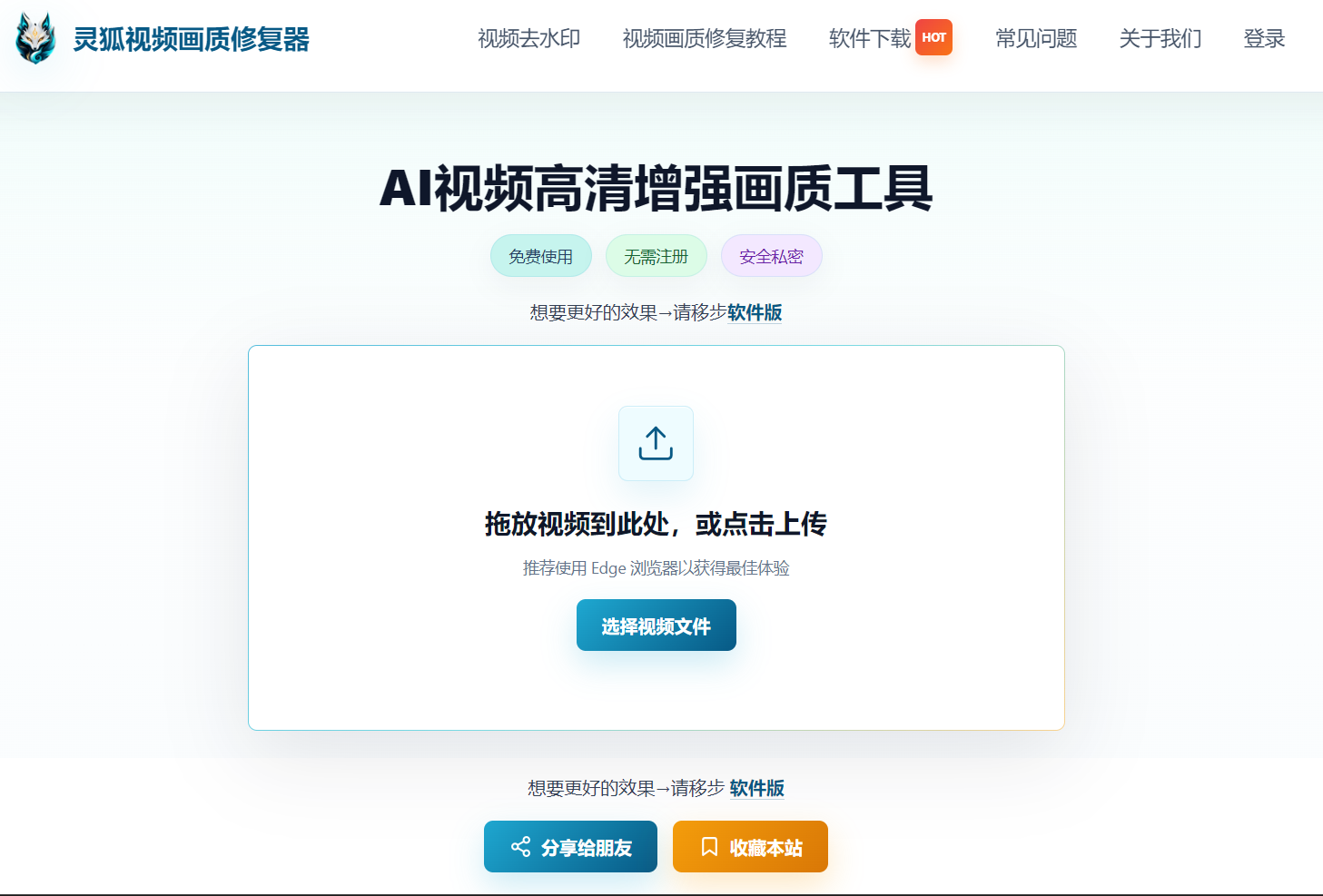
3. Linghu Video Quality Restorer Local AI Advantages
- WebGPU Local Acceleration: Leverages GPU for AI inference, 10x faster than CPU, completing a 30-second video in about 1 minute.
- 4K Super-Resolution Output: AI algorithms upscale 480P video to 4K, improving PSNR by 3-5dB with natural detail restoration.
- Zero Upload Privacy: Videos are processed entirely in the browser sandbox, transmitting no data to any server.
- No Install, No Signup: Open the page and start—no software download or account needed, with watermark-free export.
4. Local AI Enhancement Use Cases
- Private family videos: Weddings, parenting moments, family gatherings not meant for external sharing.
- Corporate confidential footage: Internal training, product demos, meeting recordings with sensitive business content.
- Medical and legal footage: Professional videos restricted by regulations from cloud upload.
- Creator originals: Unpublished creative assets protected from leakage and theft.
Pro Tip
Use Chrome 113+ or Edge 113+ for the best WebGPU acceleration. For 4K video processing, a discrete GPU with 4GB+ VRAM is recommended.
Try Linghu Video Quality Restorer—local AI enhancement keeps videos on your computer, no signup, no watermark
Start Repairing Videos