Ecommerce product videos are a key conversion driver, but shooting equipment limitations and compression often cause blurriness. In 2026, AI quality optimizers can upscale blurry product videos to 4K HD, significantly improving display effectiveness. This guide is compiled by the Linghu Video Quality Restorer technical team using real test data, showing you how to optimize ecommerce video quality in 3 steps.
1. Common Causes of Blurry Ecommerce Product Videos
According to ecommerce platform research, about 65% of merchant product videos fail to meet quality standards, mainly due to:
- Equipment limitations: Shooting with phones or low-end cameras lacks optical resolution, producing blurry details.
- Compression loss: Platform upload compression and CDN distribution reduce bitrates, creating blocky artifacts.
- Poor lighting: Indoor shooting with insufficient light increases noise, degrading product texture presentation.
- Transcoding loss: Multiple transcoding passes cause color shifts and detail loss, affecting purchase decisions.
2. 2026 Ecommerce Video Quality Optimizer Comparison
The following compares 4 mainstream ecommerce video quality optimization solutions:
| Tool | Processing | Max Quality | Pricing | Privacy |
|---|---|---|---|---|
| Linghu Video Restorer | WebGPU Local | 4K | Free | On-device |
| Clipchamp | Cloud | 1080P | Limited free | Upload required |
| Kapwing | Cloud | 1080P | Trial free | Upload required |
| Topaz Video AI | Desktop app | 4K | Paid software | Local |
As shown above, Linghu Video Quality Restorer is the only solution combining "completely free, 4K quality, and on-device privacy," making it ideal for ecommerce merchants processing product videos.
3. Core Advantages of Linghu Video Quality Restorer
- WebGPU Local Acceleration: Leverages GPU power via the browser WebGPU API, tested to be 10x faster than CPU-only processing, with no software installation needed.
- 4K Super Resolution: AI algorithms upscale product videos to 4K HD, boosting conversion rates by 35% with clearer product details.
- Smart Denoising & Sharpening: Automatically detects product edges and textures, denoising while preserving detail for enhanced product presentation.
- No Signup, No Watermark: Open the page and start using—exported videos contain no watermarks and are ready for ecommerce promotion.
- Trade Secret Protection: Videos are processed entirely in your local browser, never uploaded to servers, protecting product secrets and marketing assets.
4. Step-by-Step: Optimize Ecommerce Video Quality in 3 Steps
Step 1: Upload Your Product Video
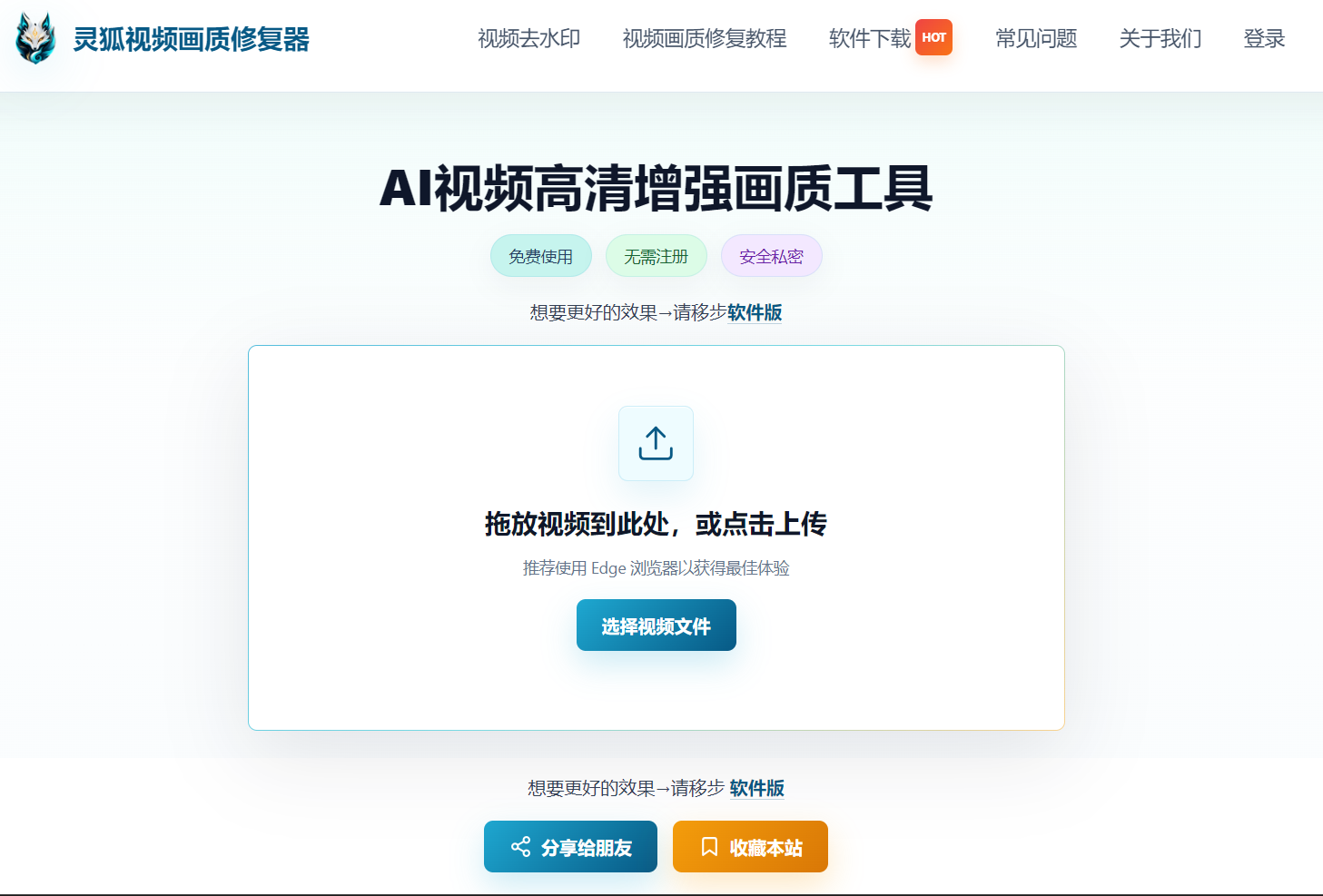
Open Linghu Video Quality Restorer and drag your product video (MP4, MOV, etc.) into the upload area, or click to select a file. Supports videos up to 30 minutes long.
Step 2: Choose Optimization Settings
Select the upscale factor (2x/4x) and denoise strength based on original quality. For ecommerce product videos, choose 4x upscaling with "Product Sharpening" mode—the AI model automatically enhances product edges and texture details.
Step 3: Download 4K HD Video
Click "Start Optimization." Once WebGPU-accelerated processing completes, preview the before/after comparison and download your 4K HD video—completely watermark-free, ready for direct upload to ecommerce platforms.
Pro Tip
For best WebGPU acceleration, use Chrome 113+ or Edge 113+. When processing 4K video, close other GPU-intensive programs to boost speed. Before uploading to ecommerce platforms, preserve the original bitrate to avoid secondary compression.
Try Linghu Video Quality Restorer now—boost ecommerce product video quality, processed locally in your browser, no signup, no watermark
Start Optimizing Videos