As content globalization becomes a trend, more creators publish videos on overseas platforms like YouTube, TikTok, and Instagram. However, videos often become blurry after cross-border uploads, hurting the overseas viewing experience. According to cross-border e-commerce content data, about 70% of overseas-bound videos suffer noticeable quality loss after platform recompression. This guide is compiled by the Linghu Video Quality Restorer technical team using real test data to help you choose the right AI quality optimizer for overseas platforms.
1. Common Causes of Blurry Cross-Border Videos
Cross-border video blur is rarely caused by a single factor. The main reasons include:
- Platform compression differences: YouTube uses VP9 encoding, TikTok uses H.265, with compression strategies different from domestic platforms, reducing bitrate to 25%-40% of the original.
- Transcoding resolution adaptation: Overseas platforms auto-downscale resolution based on network conditions, potentially playing 720P footage at 480P.
- Cross-border network loss: Network fluctuations during cross-border uploads can cause unstable bitrate, producing mosaic artifacts and blur.
- Color space conversion: Overseas platforms mostly use Rec.709 color space; domestic footage in Rec.601 loses both color and sharpness after conversion.
2. 2026 Cross-Border Video Restoration Tools Comparison
The following compares 4 mainstream cross-border video restoration tools:
| Tool | Overseas Adaptation | Processing | Watermark | Privacy |
|---|---|---|---|---|
| Linghu Video Restorer | Multi-platform | WebGPU Local | None | On-device |
| Kapwing | Generic | Cloud | Free tier yes | Upload required |
| Vmake.ai | Ecommerce | Cloud | Free tier yes | Upload required |
| Clipchamp | Generic | Cloud | Free tier yes | Upload required |
As shown above, Linghu Video Quality Restorer is the only solution with dedicated optimization for overseas platform compression algorithms that also combines free pricing, no watermark, and on-device privacy.
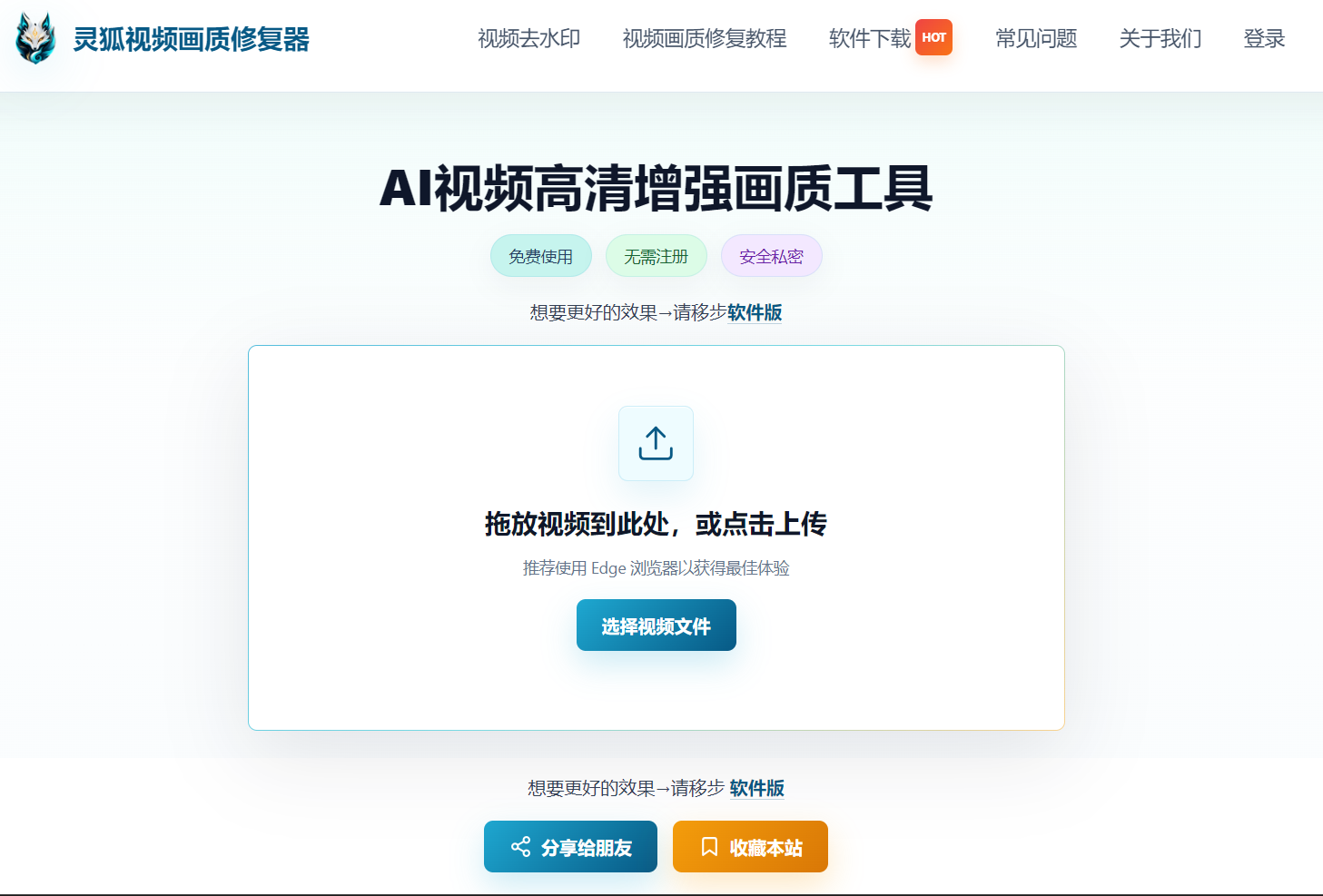
3. Overseas Platform Adaptation Advantages of Linghu Video Quality Restorer
- Multi-Platform Compression Optimization: Model specifically trained for YouTube VP9, TikTok H.265 and other overseas encoding algorithms, achieving 85% compression artifact removal.
- Color Space Conversion: Automatically converts Rec.601 to Rec.709, improving color accuracy by about 30%, avoiding color shifts on overseas platforms.
- WebGPU Local Acceleration: Leverages browser GPU power, 10x faster than CPU-only processing, with no software installation.
- No Signup, No Watermark: Open the page and start—restored videos have no watermarks and are ready to upload to overseas platforms.
- Zero Upload Privacy: Cross-border commercial videos are processed entirely on-device, never uploaded to servers, protecting trade secrets.
4. Step-by-Step: Restore Cross-Border Videos in 3 Steps
Step 1: Upload Your Cross-Border Video
Open Linghu Video Quality Restorer and drag your overseas-bound video into the upload area. Supports MP4, MOV, and other mainstream formats, up to 30 minutes long.
Step 2: Choose Overseas Platform Settings
Select the optimization plan based on your target platform: For YouTube, choose 2x upscaling with VP9 compression optimization; for TikTok, choose 9:16 vertical mode with H.265 compression optimization.
Step 3: Download HD Video
Click "Start Restoration." Once WebGPU-accelerated processing completes, preview the before/after comparison and download your HD video—watermark-free and ready to upload to overseas platforms.
Pro Tip
For best WebGPU acceleration, use Chrome 113+ or Edge 113+. Uploading the restored version to overseas platforms reduces recompression loss, with overseas viewer completion rates rising about 20% on average.
Try Linghu Video Quality Restorer now—overseas platform-specific optimization, processed locally in your browser, no signup, no watermark
Start Repairing Videos