Pain Points of Short Video Quality for Content Creators
Content creators know the struggle: footage that looks sharp on camera turns "mushy" after export. Mobile footage loses 30%-50% quality after initial compression; once uploaded, TikTok recompresses at roughly 40%, Bilibili around 35%, and Xiaohongshu about 30%. Stacked together, a 1080P source may end up looking like 720P or worse.
Common issues include visible noise in shadows, motion blur trails, soft text edges, and skin tone shifts. Color grading alone can't fix these—you need dedicated quality enhancement tools for restoration and upscaling.
Top 5 Video Quality Enhancer Tools
Based on processing quality, learning curve, and use cases, these five tools are most worth a creator's attention:
| Tool | Core Capability | Learning Curve | Best For |
|---|---|---|---|
| Linghu Video Quality Restorer | AI upscale + denoise + sharpen, one-click | Very low | Daily creator publishing |
| Topaz Video AI | Pro upscaling & frame interpolation | High | Film-grade post |
| CapCut Pro | Built-in quality enhancement filters | Low | Quick mobile editing |
| Adobe Premiere | Color + sharpening plugin combos | High | Professional editors |
| HandBrake | Encoding parameter optimization | Medium | Bitrate & format control |
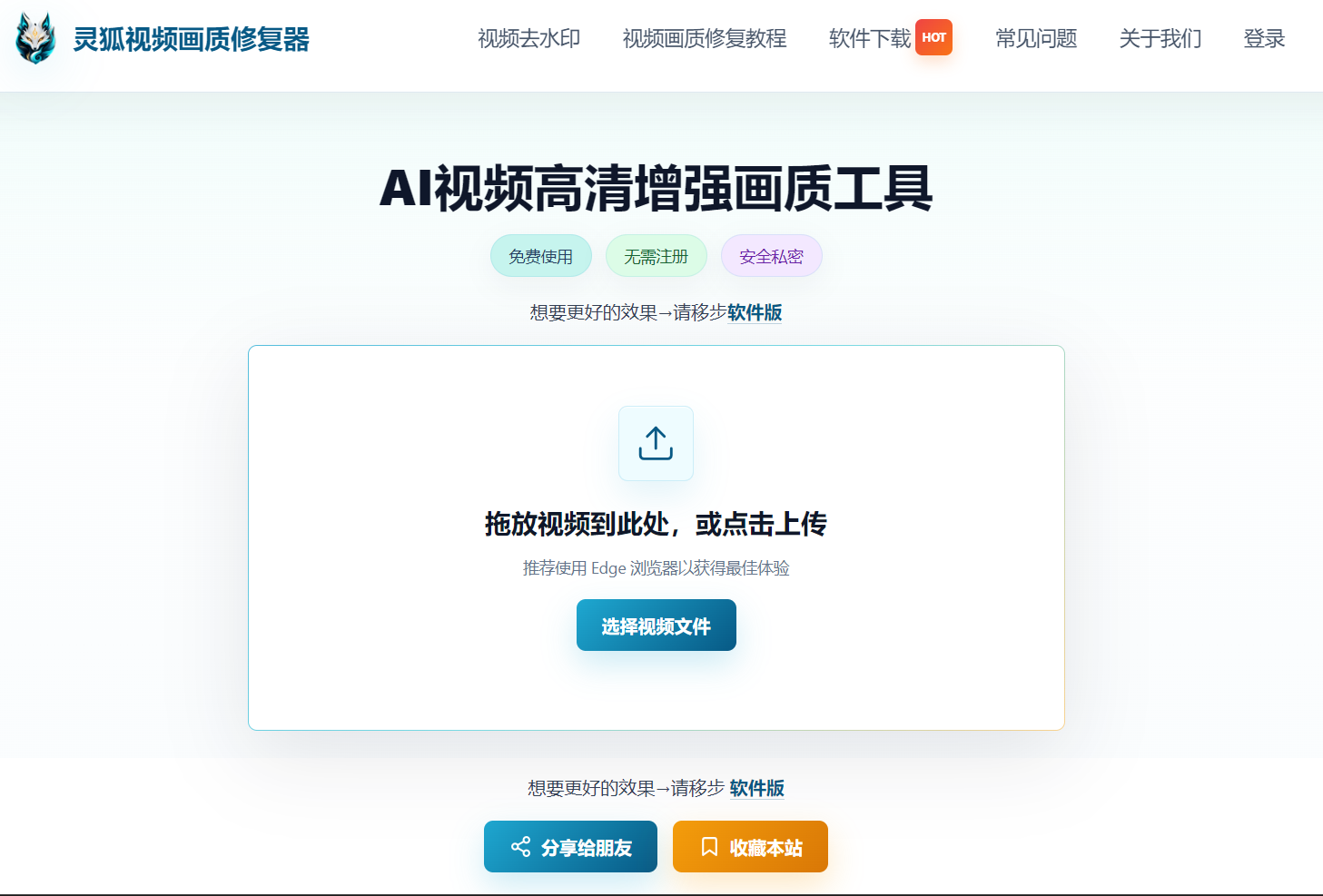
Linghu Video Quality Restorer—One-Click Enhancement Solution
Among these, Linghu Video Quality Restorer is best suited for content creators. Powered by AI super-resolution models, it requires no complex parameters—upload a video and one click handles denoising, sharpening, and resolution boost up to 4K.
- One-click processing: no manual tuning, AI auto-detects scene type and optimizes
- Local execution: videos never leave your device, protecting footage privacy
- Batch processing: enhance multiple clips simultaneously to save time
- Broad compatibility: supports MP4, MOV, MKV and other mainstream formats
Pre-Publish Quality Optimization Tips by Platform
Each platform has different quality requirements and compression strategies—optimize accordingly before publishing:
TikTok
Export 1080P, 8-10 Mbps, H.264; vertical 9:16, no black bars; upscale to 2K with Linghu before publishing to offset recompression loss.
Bilibili
Supports higher bitrates—aim for 1080P high-bitrate or 4K, 10-15 Mbps; horizontal 16:9; Bilibili compresses shadows heavily, so prioritize dark-area detail when enhancing.
Xiaohongshu
Cover clarity is priority one—export covers as separate HD images; video 1080P, 6-8 Mbps; vertical 3:4 or 9:16.
Expert Tip
Master platform quirks and pair them with Linghu's one-click enhancement to keep every short video at peak clarity. Always enhance first, then compress—this preserves the most quality.
Try Linghu Video Quality Restorer now—processed locally in your browser, no sign-up, no watermark
Start Restoring Video