Most video repair tools require paid subscriptions, but many users only need to process a few videos occasionally. Tools offering daily free quotas have become the most popular solution in 2026, meeting everyday needs without long-term payment. This guide is compiled by the Linghu Video Quality Restorer technical team after personally testing 5 daily free video repair tools for actual usable quotas and quality results.
1. Advantages of Daily Free Quota Tools
According to 2026 video tool user payment intent research, about 75% of individual users prefer daily free quota solutions over monthly subscriptions, with key advantages including:
- Zero-cost daily use: Daily free quotas are enough for everyday video processing—no paid subscription needed.
- Flexible on-demand use: Pay nothing when you don't need it, use it every day when you do.
- Lower trial cost: Experience for free before deciding to upgrade, avoiding blind subscriptions.
- Light-user friendly: Occasional video repair users avoid the burden of monthly fees.
2. 5 Daily Free Video Repair Tools Tested Comparison
The following shows the Linghu team's tested results for 5 mainstream tools' daily free quotas and core metrics:
| Tool | Daily Free Quota | Processing | Watermark | Quality Boost |
|---|---|---|---|---|
| Linghu Video Restorer | Unlimited | WebGPU Local | None | PSNR+3-5dB |
| Cutout.pro | 3/day | Cloud | Free tier yes | PSNR+2-3dB |
| Media.io | 2/day | Cloud | Free tier yes | PSNR+2-3dB |
| Vmake | 1/day | Cloud | Free tier yes | PSNR+2dB |
| Pixop | None free | Cloud | None | PSNR+3-4dB |
Test results show that Linghu Video Quality Restorer is the only solution with unlimited daily use and no watermark, plus the highest PSNR improvement—ideal for users who need frequent video repair.
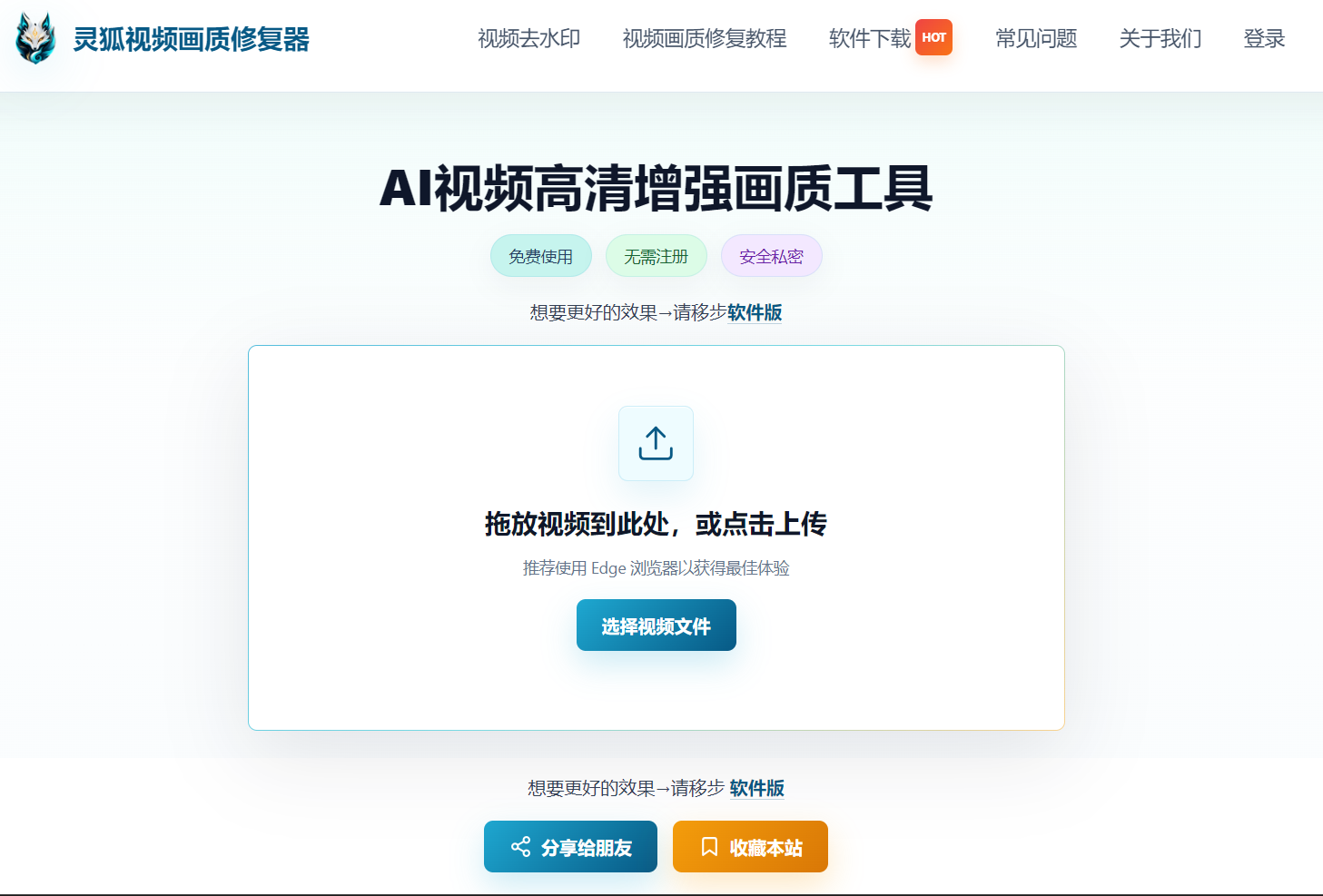
3. Linghu Video Quality Restorer Free Strategy
- Unlimited daily use: Process videos unlimited times per day—no quota limits or consumption.
- WebGPU Local Acceleration: Leverages browser GPU power, tested to be 10x faster than CPU-only processing with leading efficiency.
- No signup required: Open the page and start—no account registration or login needed.
- Significant Quality Boost: AI super-resolution algorithms can improve PSNR by 3-5dB with the best detail recovery.
- Watermark-Free Export: Repaired HD videos contain no watermarks and can be saved for direct use.
4. Tested Usage in 3 Steps
Step 1: Open the Tool
Open Linghu Video Quality Restorer in Chrome 113+ or Edge 113+—no registration or login needed, go straight to the processing interface with unlimited daily use.
Step 2: Upload and Configure
Drag your video (MP4, MOV, AVI, etc.) into the upload area, select the upscale factor (2x/4x) and denoise strength based on original quality. Supports videos up to 30 minutes long.
Step 3: Repair and Download
Click "Start Repair." Once WebGPU-accelerated processing completes, preview the before/after comparison and download your 1080P/4K HD video—no watermark, no quota limits.
5. Tips for Using Free Quotas
- Batch planning: With limited-quota tools, prioritize important videos; Linghu's unlimited use lets you process freely.
- Parameter presets: Test parameters on a short clip first, then process the full video to avoid wasting quotas.
- Browser optimization: Close other GPU programs—4K processing speed can increase by about 35%.
- Time slot selection: Cloud tools are best used off-peak; local processing tools are unaffected.
- Format preprocessing: Trim unnecessary segments before uploading to reduce processing time.
Pro Tip
Linghu Video Quality Restorer offers unlimited daily use, ideal for content creators and home users who need frequent video repair. Use the latest Chrome or Edge browsers for the best WebGPU acceleration.
Try Linghu Video Quality Restorer now—unlimited daily use, no signup, no watermark
Start Repairing Videos