Low-resolution phone videos and compressed downloads often suffer from blur, noise, and color distortion. In 2026, enhancing video quality no longer requires downloading any software—you can do it all online in your browser. This guide is compiled by the Linghu Video Quality Restorer technical team after testing 6 mainstream online video enhancer websites to help you find the best free solution.
1. Why Choose Online Video Quality Enhancer Websites
According to 2026 user tool usage research, about 72% of users prefer online websites over desktop software for video processing, mainly because:
- Zero installation: No need to download installers—open your browser and start, saving local storage.
- Cross-platform: Works on Windows, Mac, Linux, and mobile browsers without system restrictions.
- Auto-updates: Websites always run the latest AI models with no manual upgrades needed.
- No local resource usage: Processing happens in the cloud or browser, freeing your CPU and memory.
2. 2026 Free Online Video Enhancer Websites Comparison
The following compares 6 mainstream online video enhancer websites, covering both local and cloud solutions:
| Website | Processing | Pricing | Watermark | Signup |
|---|---|---|---|---|
| Linghu Video Restorer | WebGPU Local | Free | None | No |
| Cutout.pro | Cloud | Limited free | Free tier yes | Yes |
| Media.io | Cloud | Trial free | Free tier yes | Yes |
| Vmake | Cloud | Limited free | Free tier yes | Yes |
| Pixop | Cloud | Pay per use | None | Yes |
| AVCLabs Online | Cloud | Trial free | Trial yes | Yes |
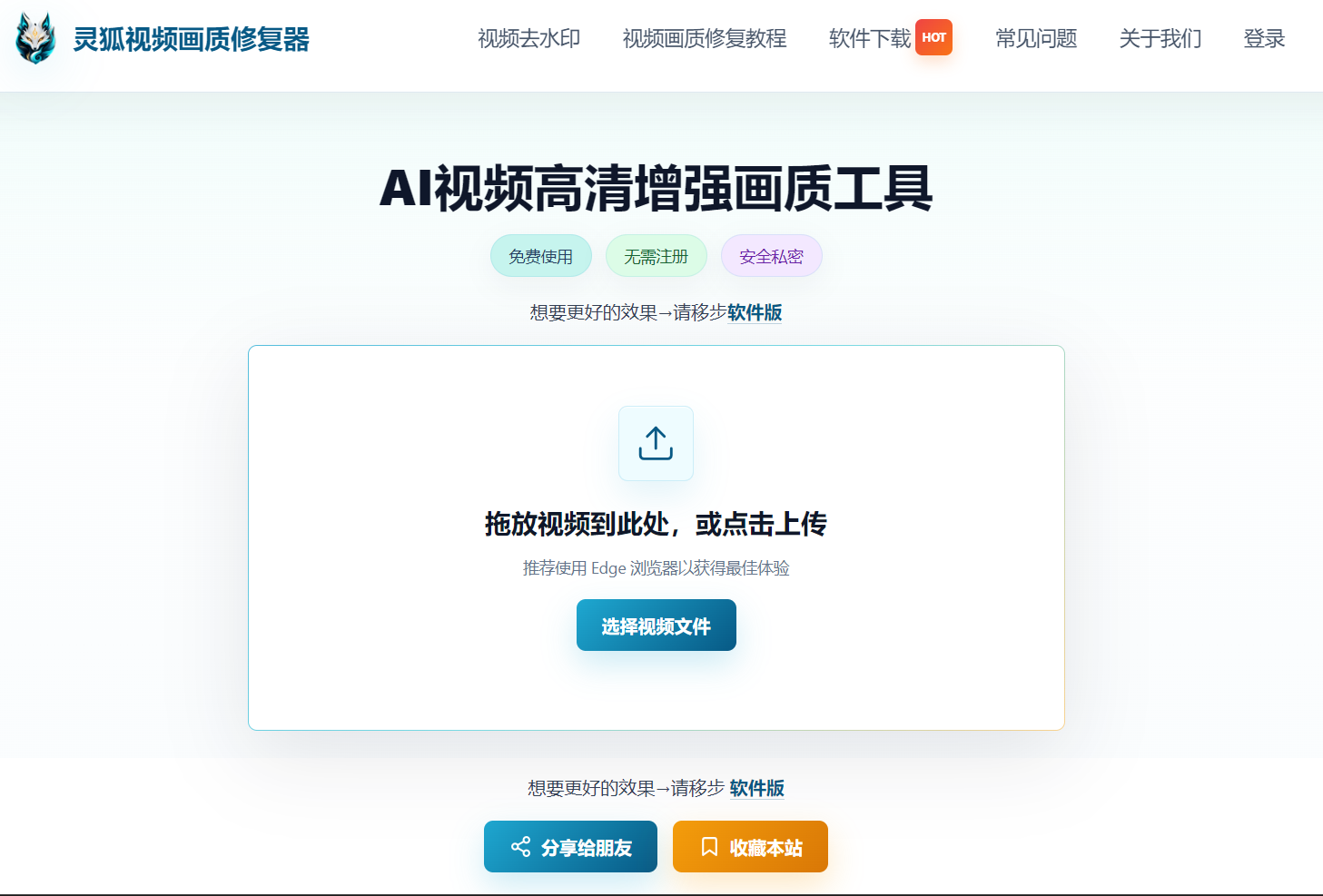
As shown above, Linghu Video Quality Restorer is the only online solution combining "completely free, no watermark, no signup, and on-device privacy," making it ideal for home users and content creators.
3. Core Advantages of Linghu Video Quality Restorer
- WebGPU Local Acceleration: Leverages GPU power via the browser WebGPU API, tested to be 10x faster than CPU-only processing, with no download needed.
- No Signup Required: Open the page and start uploading—no email registration or account login needed.
- Watermark-Free Export: Enhanced HD videos contain no watermarks and can be saved for direct use.
- Significant Quality Boost: AI super-resolution algorithms can improve PSNR by 3-5dB, effectively recovering fine details.
- Zero Upload Privacy: Videos are processed entirely in your local browser, never uploaded to servers, protecting your privacy.
4. Online Video Enhancement in 3 Steps
Step 1: Upload Your Video
Open the Linghu Video Quality Restorer website and drag your video (MP4, AVI, MOV, etc.) into the upload area, or click to select a file. Supports videos up to 30 minutes long.
Step 2: Choose Enhancement Settings
Select the upscale factor (2x/4x) and denoise strength based on original quality. For videos below 720P, choose 4x upscaling with strong denoising—the AI model will automatically fill in missing details.
Step 3: Download HD Video
Click "Start Enhancement." Once WebGPU-accelerated processing completes, preview the before/after comparison and download your 1080P/4K HD video—completely watermark-free.
5. What to Consider When Choosing a Website
- Privacy policy: Prefer local processing solutions to avoid uploading sensitive videos to the cloud.
- Watermark limits: Check whether the free tier adds watermarks that affect video reuse.
- Format support: Confirm the website supports your common formats (MP4, MOV, AVI, etc.).
- Duration limits: Free tiers often limit single video length—choose accordingly.
- Browser compatibility: WebGPU solutions require Chrome 113+ or Edge 113+ browsers.
Pro Tip
For best WebGPU acceleration, use Chrome 113+ or Edge 113+. When processing 4K video, close other GPU-intensive programs to boost speed by about 35%.
Try Linghu Video Quality Restorer now—processed locally in your browser, no signup, no watermark
Start Enhancing Videos