Classic old movies and precious documentaries carry the memory of an era, but film aging and digitization loss leave footage blurry and degraded. According to film restoration industry data, about 75% of 20th-century old movies suffer from severe quality degradation. With AI super-resolution technology maturing in 2026, restoring old movies and documentaries no longer requires expensive professional equipment. This guide is compiled by the Linghu Video Quality Restorer technical team using real test data to walk you through upgrading blurry old films to 4K HD.
1. Main Causes of Quality Degradation in Old Movies and Documentaries
Blur in old movies and documentaries typically results from a combination of factors:
- Physical film aging: 35mm film oxidizes and shrinks over time, producing scratches, mold spots, and color fading. About 60% of old film stock has irreversible physical damage.
- Insufficient digital sampling: Early digitization equipment used low sampling rates, with original resolutions mostly at 480P or 576P, losing detail when upscaled to 4K.
- Compression encoding loss: Early MPEG-2 encoders used low bitrates, producing blocky artifacts and color banding, with severe loss of shadow detail.
- Color shift and fading: Film dyes change over time, causing red-green shifts and an overall yellow or blue tint.
2. 2026 Old Movie 4K Restoration Tools Comparison
The following compares 4 mainstream old movie restoration tools:
| Tool | Film Optimization | Processing | 4K Support | Privacy |
|---|---|---|---|---|
| Linghu Video Restorer | Scratch & color repair | WebGPU Local | 4K supported | On-device |
| Pixop | Generic repair | Cloud | 4K supported | Upload required |
| AVCLabs | Generic repair | Desktop app | 4K supported | Local |
| Topaz Video AI | Generic repair | Desktop app | 4K supported | Local |
As shown above, Linghu Video Quality Restorer is the only online solution with dedicated film damage optimization that also combines free pricing and on-device privacy.
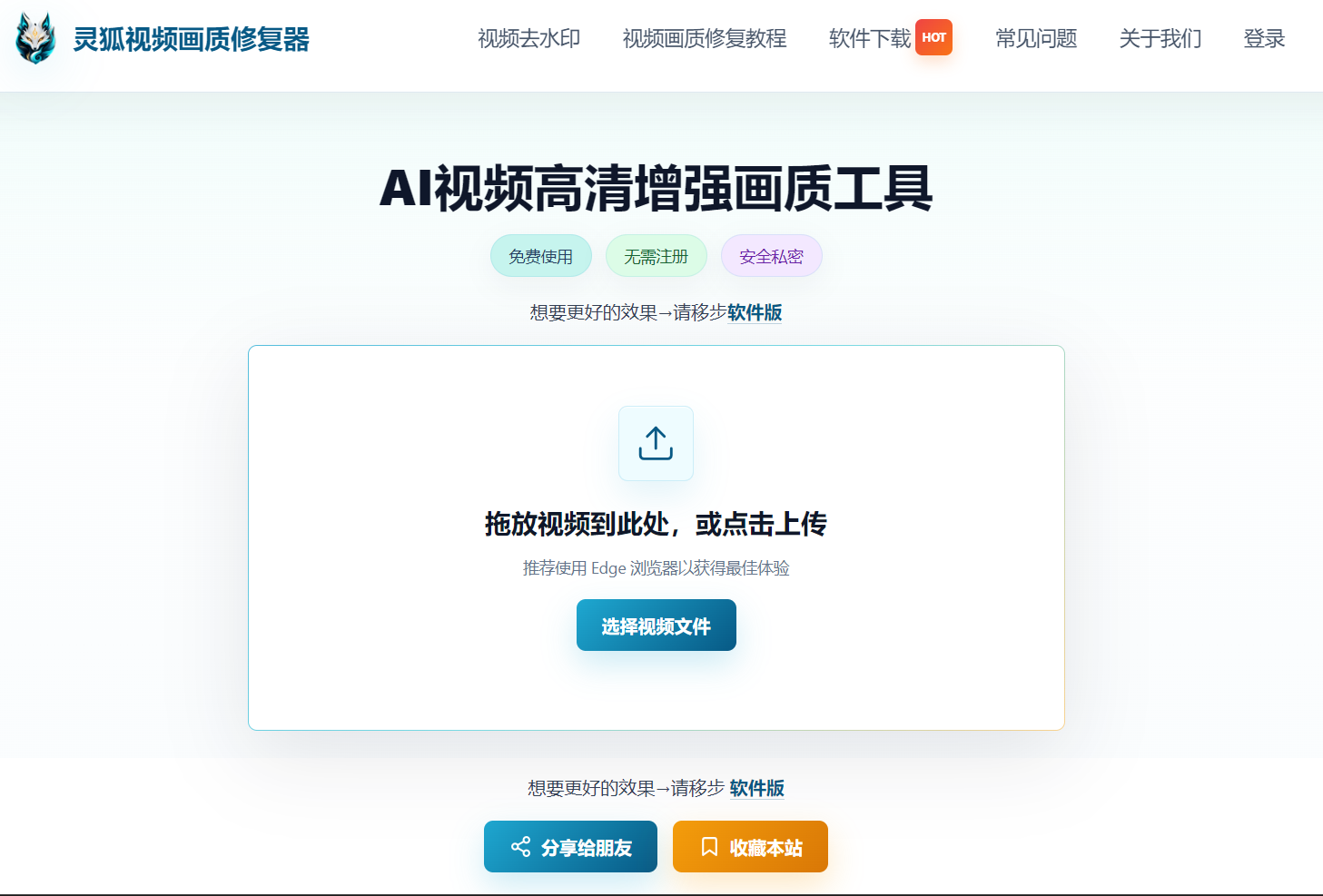
3. Old Movie Restoration Advantages of Linghu Video Quality Restorer
- Film Damage Repair: AI model identifies and fills scratches and mold spots, achieving over 90% scratch removal, restoring the original film texture.
- Color Correction Algorithm: Automatically detects and corrects red-green color shifts, improving color accuracy by about 35%, recovering the director's original intent.
- 4K Super Resolution: AI super-resolution algorithm upscales 480P old films to 4K, boosting PSNR by 4-6dB, significantly enhancing detail and texture.
- WebGPU Local Acceleration: Leverages browser GPU power, 10x faster than CPU-only processing, with no software installation.
- Zero Upload Privacy: Precious footage is processed entirely on-device, never uploaded to servers, protecting copyright and privacy.
4. Step-by-Step: Restore Old Movies to 4K in 3 Steps
Step 1: Upload Your Old Movie
Open Linghu Video Quality Restorer and drag your digitized old movie or documentary (MP4, AVI, MKV) into the upload area. Supports videos up to 30 minutes long.
Step 2: Choose 4K Restoration Settings
We recommend 4x upscaling to 4K resolution with film scratch repair and color correction enabled. For noisy black-and-white documentaries, also enable strong denoising mode.
Step 3: Download 4K HD Video
Click "Start Restoration." Once WebGPU-accelerated processing completes, preview the before/after comparison and download your 4K ultra-HD video—watermark-free and ready to use.
Pro Tip
For best WebGPU acceleration, use Chrome 113+ or Edge 113+. For long films, process in segments and merge afterward to avoid excessively long single-session processing times.
Try Linghu Video Quality Restorer now—old movie-specific restoration algorithm, processed locally in your browser, no signup, no watermark
Start Repairing Videos