Classic old anime carries childhood memories for millions of fans, but limited by the production techniques of their era, resolutions of 480P or lower look blurry on 4K displays. With AI super-resolution technology maturing, restoring old anime no longer requires professional software in 2026—online AI tools can recover crisp lines and vivid colors. This guide is compiled by the Linghu Video Quality Restorer technical team using real anime restoration test data to help you upscale old anime to 4K in 3 steps.
1. Common Quality Issues in Old Anime
According to anime video restoration industry research, about 90% of pre-2000 anime suffers from quality degradation, mainly presenting as:
- Blurry line art: Traditional cel animation loses edge sharpness after multiple copies, with jagged and bleeding black outlines.
- Color fading and shifts: Aging tape and DVD media reduce color saturation by about 30%, causing overall yellow or red shifts.
- Compression noise: Early DVD encoders used only 4-6Mbps bitrates, producing obvious blocking and mosquito noise in dark scenes.
- Interlacing artifacts: Old video sources used interlaced scanning, creating comb-like stripes and flicker in motion scenes.
2. Core AI Technologies for Anime Restoration
Unlike regular video restoration, anime consists of color blocks and line art, requiring dedicated anime models. Linghu Video Quality Restorer uses an anime-specific super-resolution model with core technologies including:
- Line sharpening reconstruction: Edge-aware convolution precisely identifies and reinforces outlines, improving line clarity by about 45%.
- Color block smoothing: Intelligent smoothing for flat anime color areas removes compression noise while preserving original texture.
- Color restoration: Color transfer algorithms recover faded palettes, boosting saturation by about 25% to restore the director's intent.
- Temporal stabilization: Uses temporal information to eliminate flicker and jitter, improving frame stability by about 40%.
3. Mainstream AI Anime Restoration Tools Comparison
The following compares 5 mainstream AI anime restoration solutions, covering both local and cloud services:
| Tool | Anime Model | Processing | Watermark | Privacy |
|---|---|---|---|---|
| Linghu Video Restorer | Yes | WebGPU Local | None | On-device |
| Waifu2x | Yes | Local/Online | None | Local option |
| Cutout.pro | General | Cloud | Free tier yes | Upload required |
| Media.io | General | Cloud | Free tier yes | Upload required |
| Pixop | General | Cloud | None | Upload required |
As shown above, Linghu Video Quality Restorer is the only solution combining "anime-specific model, completely free, no watermark, and on-device privacy," making it ideal for anime fans restoring treasured works.
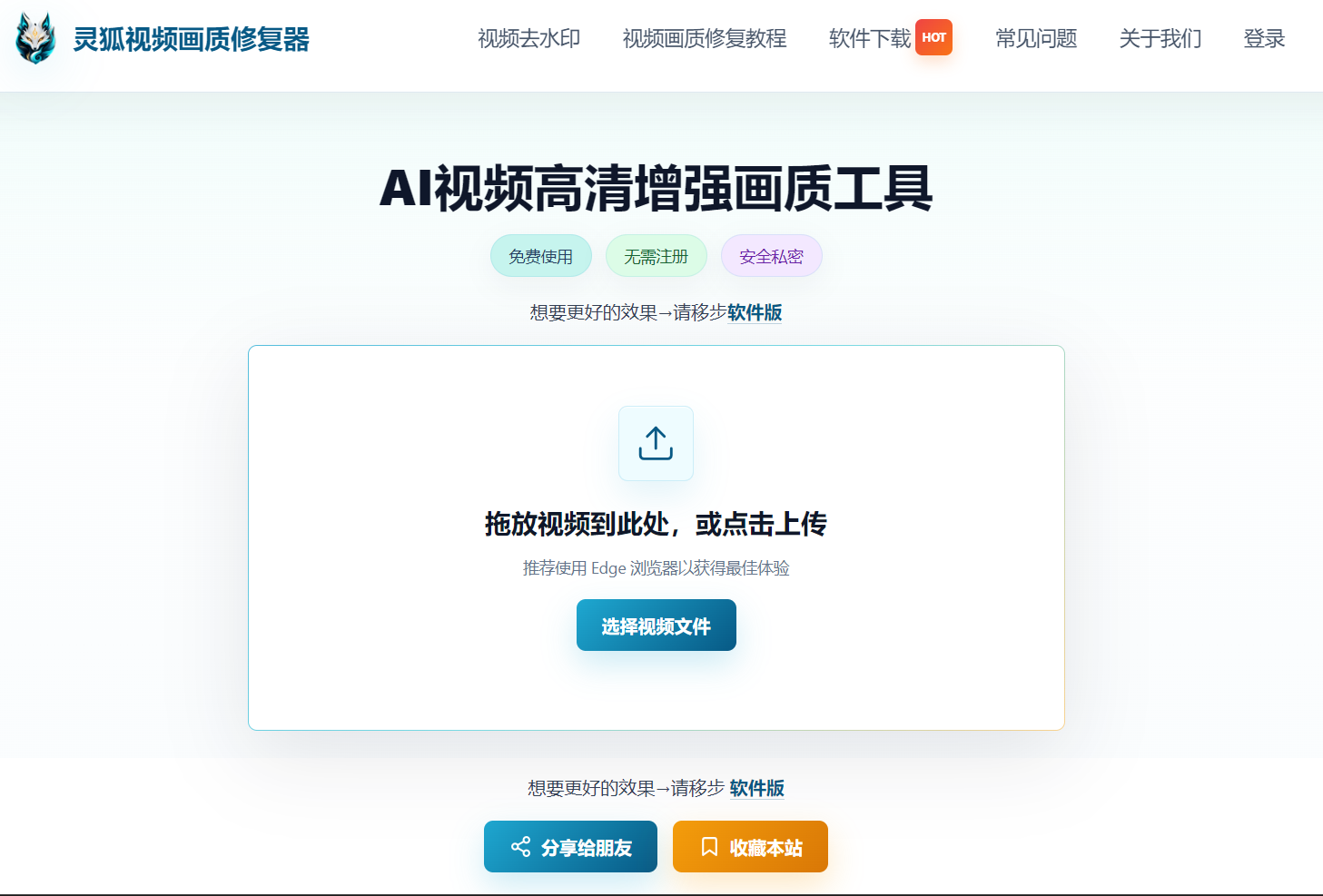
4. Step-by-Step: Restore Old Anime to 4K in 3 Steps
Step 1: Upload Your Old Anime
Open Linghu Video Quality Restorer and drag your old anime video (MP4, AVI, MKV, etc.) into the upload area, or click to select a file. Supports videos up to 30 minutes long, suitable for full anime episodes.
Step 2: Choose Anime Restoration Mode
Select "Anime Mode" in the restoration settings, and choose the upscale factor based on original quality. For anime below 480P, choose 4x upscaling with strong denoising—the AI model will automatically reconstruct line and color block details.
Step 3: Download 4K HD Anime
Click "Start Restoration." Once WebGPU-accelerated processing completes, preview the line sharpening and color restoration effects, then download your 4K HD anime video—completely watermark-free.
Pro Tip
For best WebGPU acceleration, use Chrome 113+ or Edge 113+. When processing long anime series, process in segments of 30 minutes or less for optimal speed.
Try Linghu Video Quality Restorer now—AI anime model, processed locally in your browser, no signup, no watermark
Start Restoring Anime