Low-resolution transcoded anime resources (commonly called "low res anime") are widely circulated online, but limited by original bitrates and multiple compression passes, they suffer from blurry visuals, jagged lines, and visible color blocking. With AI quality enhancement technology maturing, enhancing low res anime clarity no longer requires professional software in 2026—a single click can transform blurry footage. This guide is compiled by the Linghu Video Quality Restorer technical team, exploring core technologies and practical methods for low res anime quality enhancement.
1. Quality Issues in Low Res Anime
According to anime resource quality research, about 90% of online low res anime suffers from severe quality loss, with main issues including:
- Pronounced line jaggedness: Low-resolution transcoding causes severe aliasing on outline edges, with lines appearing broken and discontinuous when upscaled.
- Color blocks and banding: Multiple compression passes on 8-bit color depth produce visible banding in gradient areas and noise in flat color blocks.
- Detail texture loss: High compression ratios severely blur skin, clothing, and background detail textures.
- Compression artifacts: H.264/H.265 compression produces blocking artifacts and mosquito noise, especially noticeable in dark scenes and high-contrast edges.
2. Core AI Anime Quality Enhancement Technologies
Linghu Video Quality Restorer uses an anime-specific AI enhancement model tailored to low res anime characteristics, with core technologies including:
- Intelligent line reconstruction: Deep learning-based edge enhancement algorithms precisely identify and fill broken lines, improving line clarity by about 50%.
- Color block smoothing: Intelligent smoothing for flat anime color areas eliminates compression noise while preserving original art style.
- Color depth enhancement: Intelligently expands 8-bit to 10-bit color depth, eliminating banding for smoother color transitions.
- Detail texture generation: AI models trained on massive anime data intelligently generate skin, clothing, and other detail textures, improving PSNR by 4-6dB.
3. Low Res Anime Quality Enhancer Tools Comparison
The following compares 5 mainstream anime quality enhancer tools, covering free and paid solutions:
| Tool | Anime Model | One-Click | Pricing | Watermark |
|---|---|---|---|---|
| Linghu Video Restorer | Yes | Yes | Free | None |
| Waifu2x | Yes | Manual tuning | Free | None |
| Video2X | Yes | Manual tuning | Free open source | None |
| Cutout.pro | General | Yes | Limited free | Free tier yes |
| Topaz Video AI | General | Yes | Paid | None |
As shown above, Linghu Video Quality Restorer is the only solution combining "anime-specific model, one-click enhancement, completely free, and no watermark," making it ideal for anime fans to quickly boost low res anime clarity.
4. Step-by-Step: Boost Anime Clarity in 3 Steps
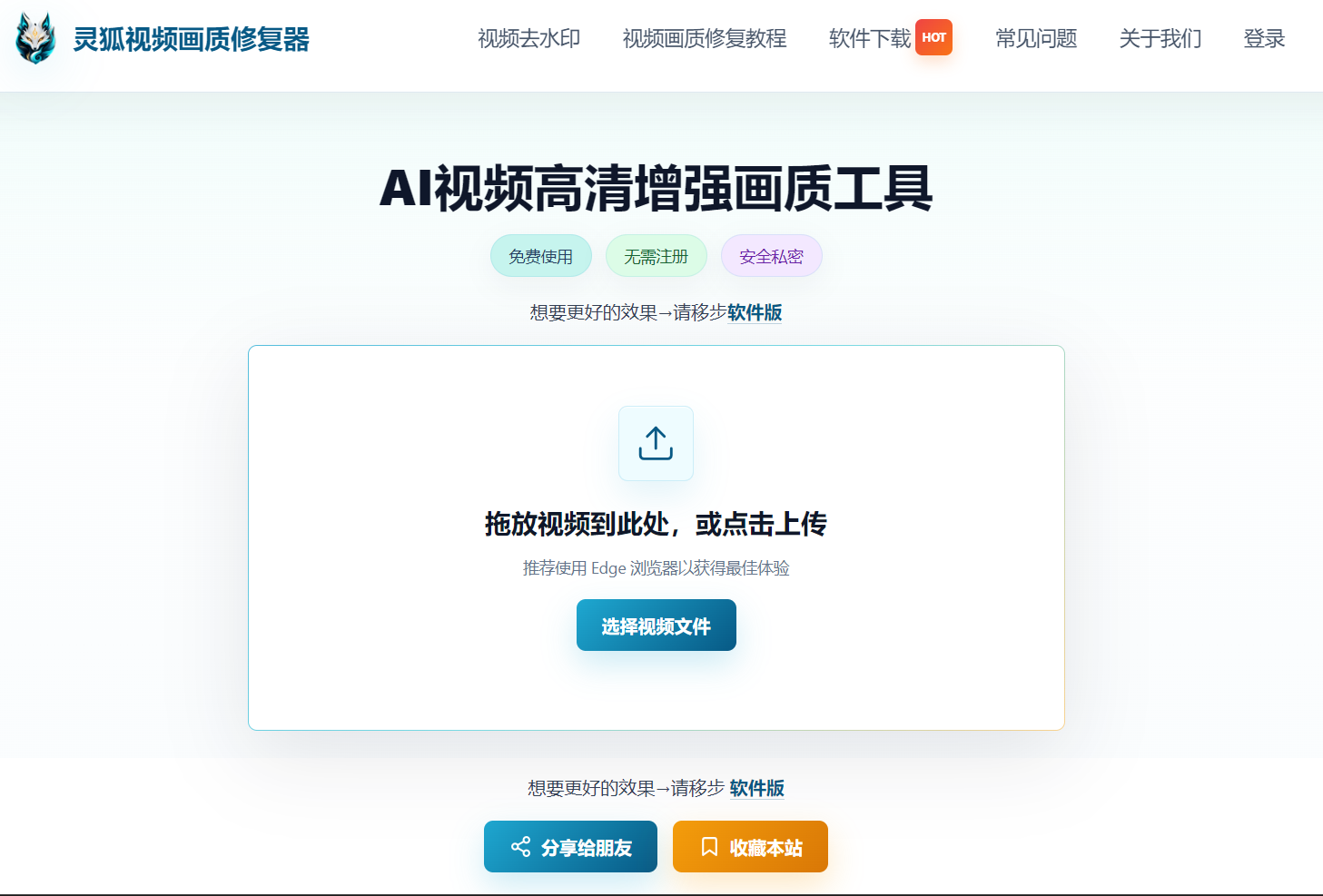
Step 1: Upload Your Low Res Anime
Open Linghu Video Quality Restorer and drag your low res anime video (MP4, AVI, MKV, etc.) into the upload area, or click to select a file. Supports videos up to 30 minutes long.
Step 2: Choose Anime Enhancement Mode
Select "Anime Mode" in the enhancement settings, and the system will automatically apply optimal parameters. For custom control, adjust the upscale factor (2x/4x) and denoise strength—the AI model will automatically reconstruct lines and color blocks.
Step 3: Download HD Anime Video
Click "Start Enhancement." Once WebGPU-accelerated processing completes, preview the line sharpening and color restoration effects, then download your HD anime video—completely watermark-free.
Pro Tip
For best WebGPU acceleration, use Chrome 113+ or Edge 113+. For extremely blurry low res anime, try two sequential 2x enhancements instead of one 4x pass for better results.
Try Linghu Video Quality Restorer now—AI anime model, one-click clarity boost, no signup, no watermark
Start Enhancing Anime