
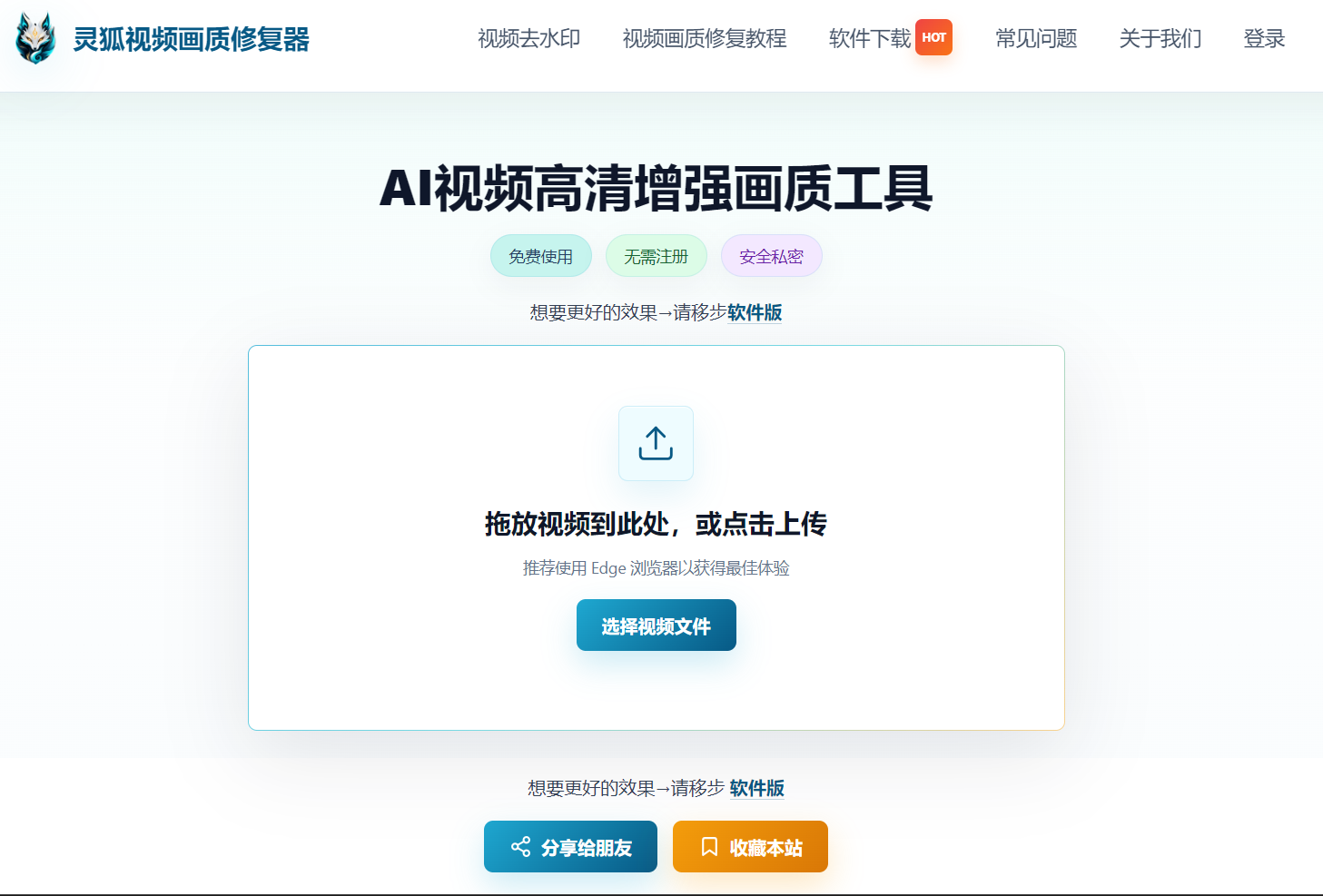
Video Upscaler
AI-assisted video quality enhancement for blurry, compressed, or older footage, upscaling to 2K/4K/8K resolution.
Open Tool →Local browser processing, privacy-safe, no download, no registration, cross-platform.
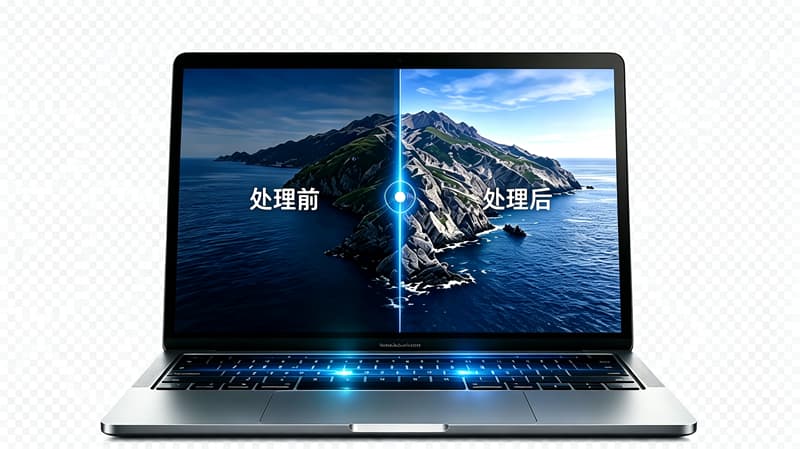
Two browser-based AI video tools for quality enhancement and watermark workflows
AI-assisted video quality enhancement for blurry, compressed, or older footage, upscaling to 2K/4K/8K resolution.
Open Tool →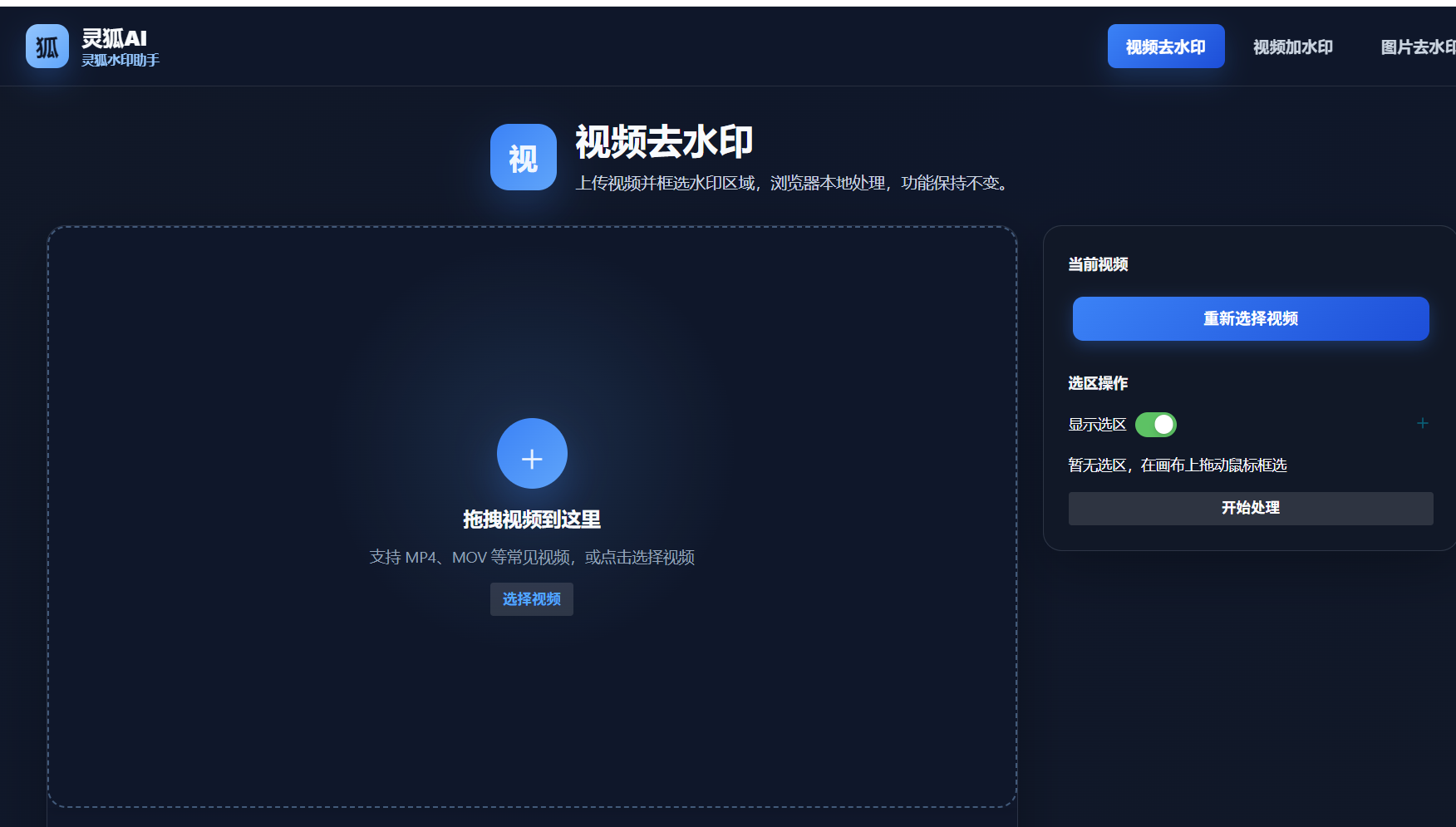
Free online watermark tools for video watermark removal, image watermark removal, and adding watermarks. Select and remove.
Open Tool →Four core advantages for a worry-free online video workflow
All features process locally, no payment needed
No download, open in browser and start
Clean experience, no pop-up ads
Local processing, videos never uploaded
Windows / macOS / Linux / iOS / Android, all major browsers supported
 Windows
 macOS
macOS Linux
Linux
 iOS
iOS Android
 Chrome
 Edge
Edge Firefox
 Safari
 Opera
Opera
 Brave
Brave
Linghu AI offers free usage for both its video enhancement tool and video watermark remover. Browser-based local processing lets you use core features at no cost, with no account registration required.
No. All video processing is performed locally in your browser. Your video files are never uploaded to any server, ensuring complete privacy and security.
No. Linghu AI runs entirely in your browser. Just open the tool page to start using it, with no software download or installation required. It supports Windows, macOS, and mobile cross-platform usage.
The video enhancement tool supports AI-powered quality enhancement, upscaling videos to 2K/4K/8K HD. It repairs old and blurry videos, increases resolution, and boosts clarity, ideal for vintage footage and short video clips.
The watermark remover supports common video formats such as MP4 and MOV. It also handles image watermark removal and video watermark adding, simply select the watermark area for intelligent removal.
The video enhancement tool accepts common formats such as MP4 and MOV as input, with results exportable as MP4. We recommend using higher-quality source files for better enhancement results.
No. Video watermark removal primarily modifies the visual area and typically does not change the original audio. We recommend checking both video and audio after downloading to confirm they meet your needs.
Linghu AI uses deep-learning inpainting to reconstruct the watermark area, producing more natural results than traditional blur masking. For fixed-position logos and corner marks, the repaired footage is virtually seamless.
Yes. Multiple selection mode lets you select several watermark areas and process them in one pass, ideal for videos with several scattered watermarks without repeated operations.
Processing time depends on video length, resolution, and device performance. Since processing happens locally in the browser with no upload or download wait, short videos usually finish within minutes.
The enhancement tool improves quality via AI algorithms, with output resolution up to 2K/4K/8K. The watermark remover only modifies the watermark area, leaving the rest of the frame at original quality.
Add-watermark supports text and image watermarks with adjustable opacity, position, and size, plus dynamic watermark modes including random and floating watermarks.
Yes. Linghu AI runs in the browser, so you can open it on mobile. However, video enhancement is demanding on hardware, so a desktop is recommended for a smoother experience.
Video processing requires device performance. If you experience lag, close other browser tabs, use shorter or lower-resolution videos, or switch to a more powerful computer for processing.
The current version processes one file at a time to ensure the best AI result for each file. To handle multiple videos, process them one by one, all locally in your browser.